Buying a TV stand sounds simple until you stand in the store (or scroll through a hundred listings) and realize how much can go wrong. Too narrow and your TV looks like it's about to tip over. Too tall and your neck aches after every movie night. Too shallow and there's nowhere for the soundbar to sit.
If you are wondering how to choose a TV stand that actually works in your home, these ten tips cover what matters: the right width, the right height, space for your gear, cable management, and a style that fits your room. Get these right once and you won't have to think about it again for years.

Photo via Wikimedia Commons
Table of Contents
- 1. Start With Your TV's Real Width
- 2. Go a Few Inches Wider Than the TV
- 3. Set the Screen at Eye Level
- 4. Make Room for Your Soundbar
- 5. Give Game Consoles Space to Breathe
- 6. Tame the Cable Mess
- 7. Pick Open or Closed Storage on Purpose
- 8. Match the Stand to Your Room's Style
- 9. Check the Weight Rating
- 10. Leave Room for a Bigger TV
1. Start With Your TV's Real Width
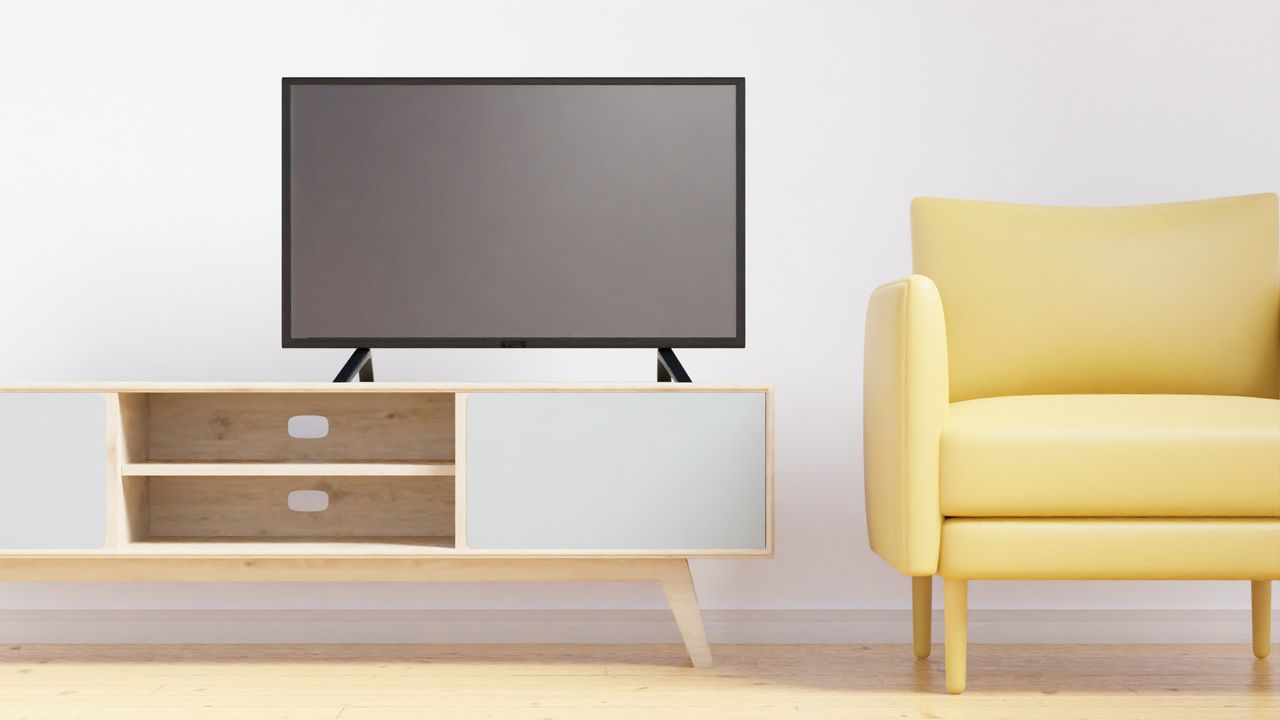
Photo via Pexels
TV sizes are sold by the diagonal, and that number lies to you a little. A 55-inch TV is not 55 inches wide — it's about 48 inches wide and 27 inches tall, because the 55 inches is measured corner to corner. Grab a tape measure and get the true width of your TV, edge to edge, including the bezels. That one number drives every other decision.
Measure your wall space the same day, before you fall in love with a style. It's the same habit behind our guide on how to choose the right kitchen table: numbers first, shopping second. Ten minutes with a tape measure saves you from the most common regret — a stand that almost fits.
2. Go a Few Inches Wider Than the TV

Photo via Wikimedia Commons
Here is the question people ask most on forums: does the stand really need to be wider than the TV? Yes. Aim for a stand that extends a few inches past each side of the screen — most guides suggest 2 to 6 inches per side. It looks balanced instead of top-heavy, and the TV's feet sit fully supported, which matters for stability.
In a small living room, keep the margin tight — a compact stand just wider than the TV keeps the space feeling open. That same less-is-more thinking runs through our 2-seat sofa ideas for small living rooms, where every inch of floor space counts.
3. Set the Screen at Eye Level

Photo via Wikimedia Commons
The golden rule of TV height is simple: when you sit on your couch, the middle of the screen should sit roughly at your eye line. For most sofas that lands the screen center about 42 inches off the floor, which usually means a stand between 24 and 30 inches tall. A quick test — sit where you watch, look straight ahead, and notice where your eyes land. That's your target.
If the TV lives in the bedroom, you'll be watching from bed, so a taller stand (28 to 36 inches) usually feels better. Pair it with the right mood by browsing our warm aesthetic cozy bedroom ideas — comfort and height go hand in hand there.
4. Make Room for Your Soundbar
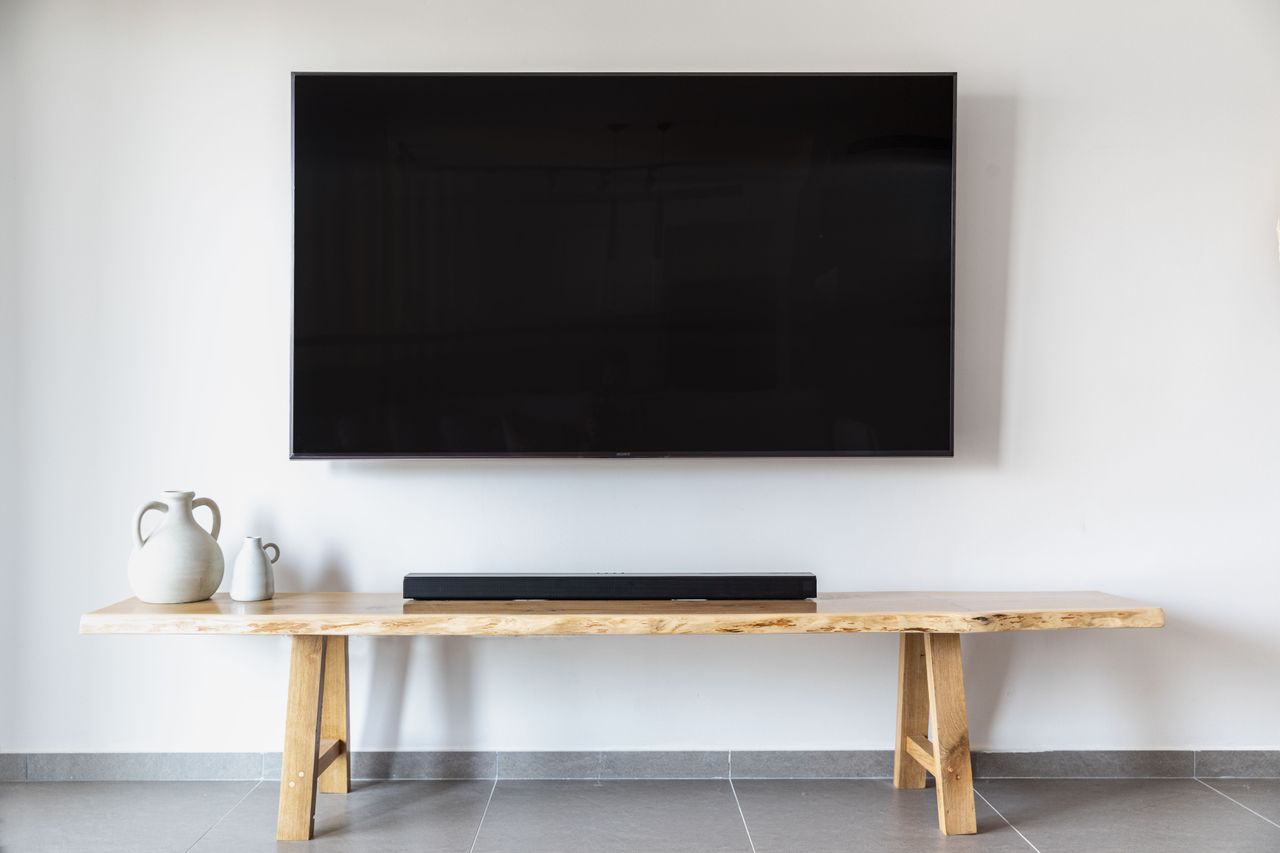
Photo via Pexels
Soundbars are the part everyone forgets. They sit in front of the TV, so the stand needs enough depth for both the TV's feet and the bar — plan on 4 to 6 inches of clear space in front. Measure your soundbar's depth too; the chunky ones with up-firing speakers run deeper than they look in photos.
Keep the bar clear of the TV's infrared sensor and leave a finger's width behind it for the cable to plug in without kinking. If your stand is too shallow, the soundbar hangs off the front edge — not dangerous, but it looks unfinished and blocks the remote signal.
5. Give Game Consoles Space to Breathe

Photo via Wikimedia Commons
Game consoles, cable boxes, and receivers run hot, and heat is what kills them early. Give each device at least a couple of inches of clearance above it, and never seal a console inside a tight closed cabinet with no airflow. Open shelving is the safest bet for gamers and anyone with a stack of media gear.
Measure the height of your tallest device before you buy — receivers are often the surprise, at 6 to 7 inches tall. Adjustable shelves are worth the extra few dollars because your gear will change over the years, and re-drilling a fixed shelf is nobody's idea of fun.
6. Tame the Cable Mess

Photo via Wikimedia Commons
Nothing ruins a nice setup faster than a nest of cables spilling out the back. Look for stands with built-in cable holes or channels in the back panel — they cost nothing extra and make a huge visual difference. Bundle the remaining slack with a few cheap zip ties behind the unit where nobody sees it.
If you wall-mount the TV above the stand, plan the cable path before you hang anything. Short HDMI cables that just reach look tidy; cables that are three feet too long end up coiled behind the screen. A stand with a hollow back panel gives you a hidden raceway for everything.
7. Pick Open or Closed Storage on Purpose

Photo via Wikimedia Commons
Open shelves keep remotes working and gear cool, but they also collect dust and put every wire on display. Closed cabinets hide the clutter and are kinder to households with toddlers who love grabbing shiny things — but they trap heat and can block remote signals unless the doors are glass or slatted.
The happy middle is a mix: open cubbies for the devices you use daily, closed drawers for remotes, controllers, batteries, and game discs. Families especially benefit from real drawers — small parts disappear into open shelving and never come back.
8. Match the Stand to Your Room's Style

Photo via Wikimedia Commons
The TV stand is one of the biggest pieces of furniture in the room, so it should look like it belongs there. Match its wood tone or finish to your other furniture rather than buying the first black box that fits the TV — a warm walnut stand next to oak bookshelves looks intentional, not random.
Don't overlook pieces that aren't sold as TV stands at all. A sturdy low dresser or sideboard often works beautifully and gives you more storage; see our dresser decor ideas for ways to style the top so it reads as furniture, not an afterthought.
9. Check the Weight Rating

Photo via Wikimedia Commons
A 65-inch TV can weigh 50 to 75 pounds, and that's before you add a soundbar and a receiver on top. Check the stand's weight rating in the listing — it's usually printed on the box or the product page — and make sure it clears your TV's weight with room to spare. This is the step people skip, and it's the one that matters most for safety.
On wide stands, look for a center leg or solid center support. Long spans of particleboard sag in the middle over time under a heavy load, and a sagging stand is both ugly and unsafe. Solid wood, metal frames, and tempered glass tops hold their shape far better than hollow-core boards.
10. Leave Room for a Bigger TV
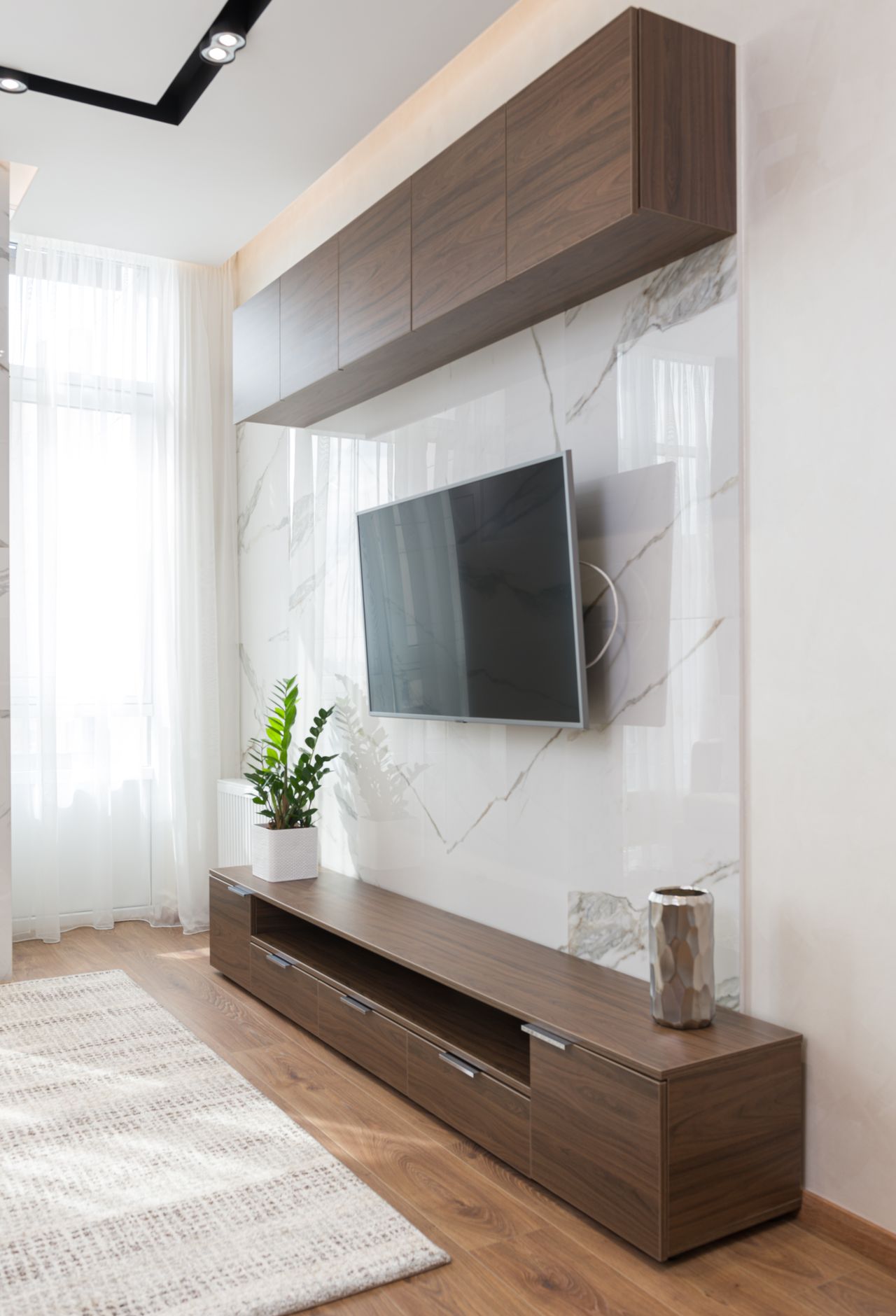
Photo via Wikimedia Commons
TVs keep getting bigger and cheaper, and most people upgrade the screen long before they replace the furniture. If there's any chance you'll go from a 55 to a 65 in the next few years, buy the wider stand now. A stand that fits your next TV, not just your current one, is the cheapest future-proofing you can buy.
This also applies to the depth and the shelves — leave one open cubby free. Future-you will thank present-you when the new streaming box or console arrives and there's already a home for it, with a cable hole right behind.
Frequently Asked Questions
Can I put a 65-inch TV on a stand made for a 55-inch TV?
Only if the TV's feet sit fully on the stand's top with nothing hanging over the edge. Even then, it looks unbalanced and risks tipping. As a rule, the stand should be at least as wide as the TV — a few inches wider is better.
How tall should a TV stand be?
For a standard sofa, look for a stand 24 to 30 inches tall so the middle of the screen lands near your seated eye level, about 42 inches from the floor. Taller seating or bed viewing calls for a taller stand.
How do I hide the cables behind my TV stand?
Route them through the stand's built-in cable holes, bundle slack with zip ties, and run a cable raceway down the back if the TV is wall-mounted. Keeping cables off the floor also makes vacuuming much easier.
Is it better to wall-mount the TV or keep it on a stand?
Both work — many people do both. Wall-mounting frees up the stand's top surface and looks sleek, while the stand below holds the gear and hides the cables. If you rent, a stand alone avoids putting holes in the wall.
How deep should a TV stand be?
Most stands run 15 to 20 inches deep. Measure your TV's feet front-to-back and add room for a soundbar in front — about 4 to 6 extra inches. Shallow stands work fine for wall-mounted TVs where nothing heavy sits on top.
Final Thoughts
Choosing the right TV stand comes down to three numbers — your TV's width, your seated eye level, and the depth your gear needs — plus a finish that suits your room. Get those right and everything else, from cable holes to drawers, is just a bonus.
Take the tape measure out once, shop with the numbers in hand, and don't rush the decision. A good stand lasts through two or three TVs, so the extra hour of comparing now pays off for years of comfortable, clutter-free movie nights.
Sources
- Castlery — How to Choose a TV Stand: Size, Style & Height
- Belleze — TV Stand Size Guide: Width, Depth & Height by TV Size
- Fitueyes — How to Choose the Right TV Stand Size
Gallery

Photo via Wikimedia Commons

Photo via Wikimedia Commons

Photo via Wikimedia Commons

No comments:
Post a Comment